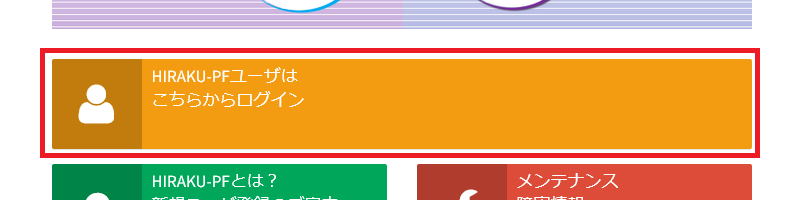
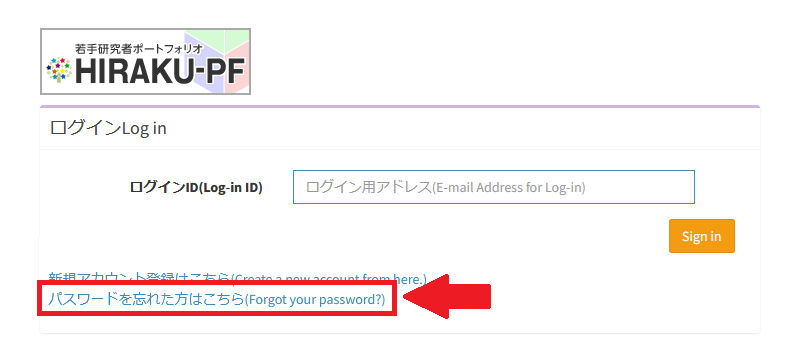
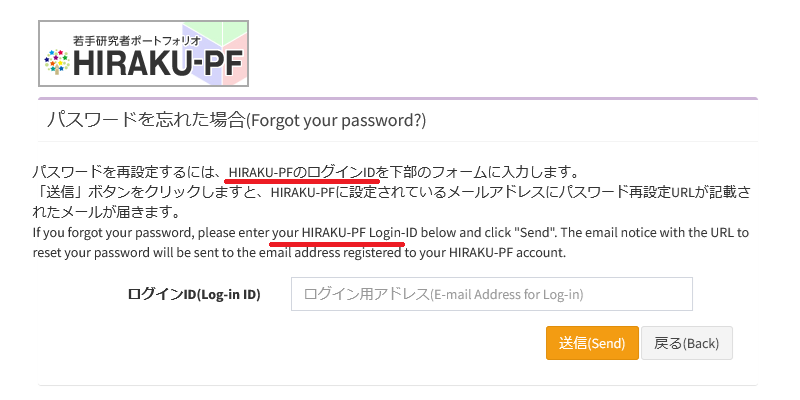
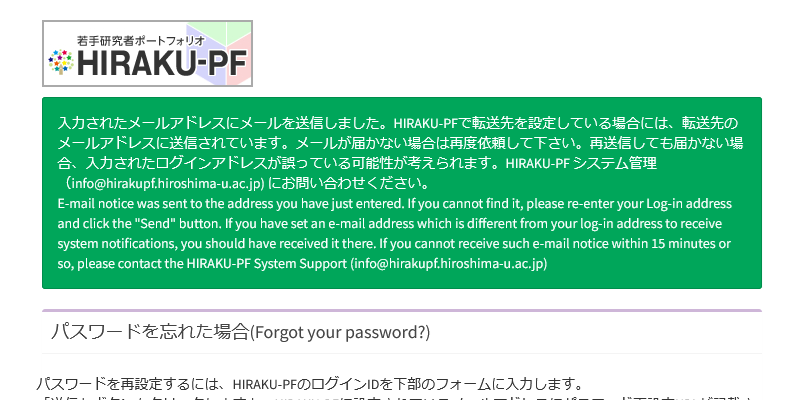
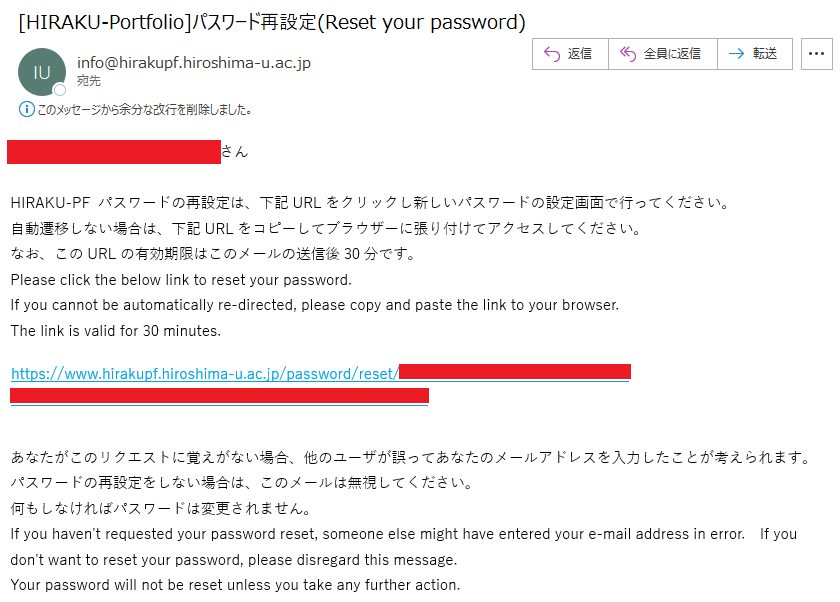
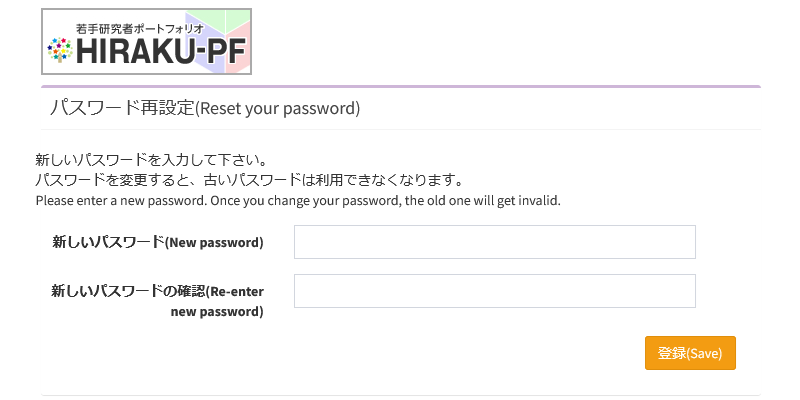
The URL for changing your password will be sent to your email address* registered with HIRAKU-PF. This email address is either your login ID or the one you've set as forwarding.
メールのURLからパスワード変更ページに移動し、新しいパスワードの登録を行ってください。 Please go to the password change page via the URL in the email and register your new password.
HIRAKU-PFにおけるパスワードポリシーについては、以下をご確認ください。 Please check the following regarding the password policy for HIRAKU-PF.
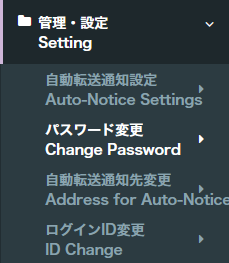
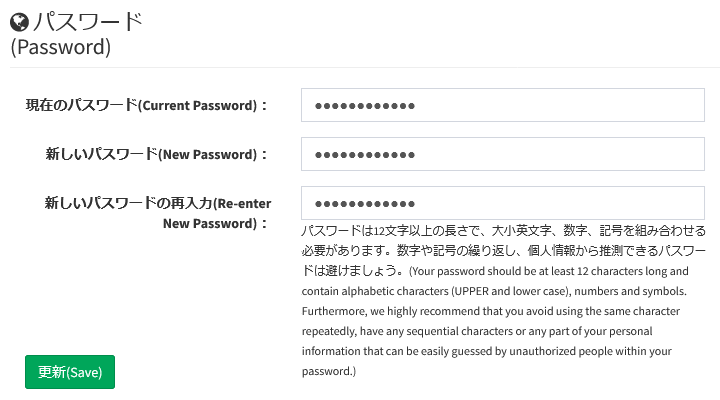
You can also change your password within HIRAKU-PF. Please click "Change Password" under "Setting" at the bottom of the menu. You will be redirected to the "Change Password" page.
HIRAKU-PFにおけるパスワードポリシー / Password Policy for HIRAKU-PF
The password for HIRAKU-PF must comply with the HU Media Center's password policy. (At least 12 characters long and includes a combination of all available character types (uppercase and lowercase English letters[A-Z, a-z], numbers, and symbols)) For more information about HU password policy, please check the following URL.
Please note that an error may occasionally occur when changing your password via the "Forgot Your Password?" link. If the error persists, please contact us using the information provided at the bottom of this page.
お問い合わせ / Contact
HIRAKU-PF システム管理 / HIRAKU-PF System Support E-mail: info(AT)hirakupf.hiroshima-u.ac.jp *(AT)は半角の@に変換してください / Please replace (AT) with @.
広島大学グローバルキャリアデザインセンター / Global Career Design Center, HU 電話番号 / TEL: 082-424-4564 E-mail: wakateyousei(AT)office.hiroshima-u.ac.jp *(AT)は半角の@に変換してください / Please replace (AT) with @.

 Home
Home