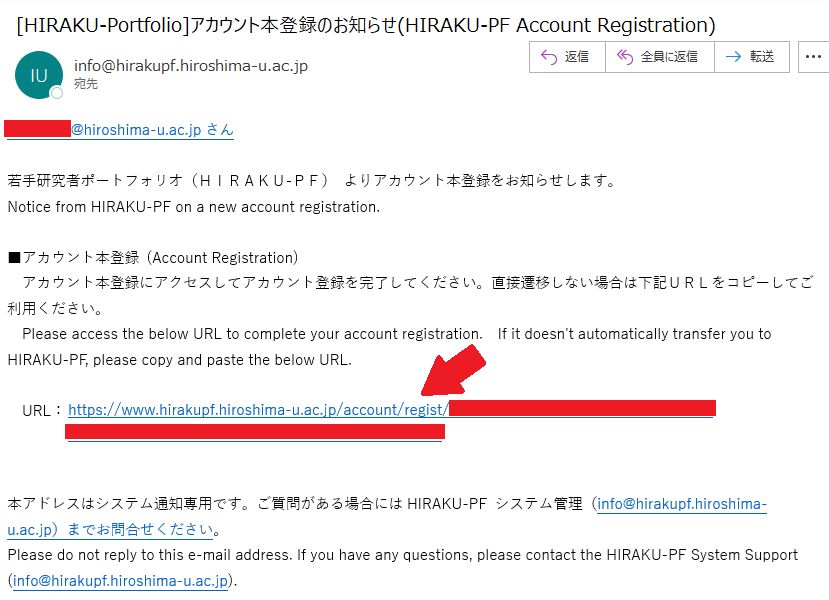
Since 2017, all students entering the doctoral program at HU have been registered collectively by HIRAKU Operating Council Office. We have sent emails to everyone who registered, so please check your HIRODAI Mail inbox.
Your initial HIRAKU-PF ID is [your HU Student Number]@hiroshima-u.ac.jp. (Same to your initial HIRODAI Mail address) We will not send you your HIRAKU-PF password. Please set it yourself using the information below. (Your HIRAKU-PF password is not linked to your HIRODAI ID or IMC account.)
If you have registered an account yourself, please continue to use that account. We will contact you regarding the account consolidation process.
As a general rule, registration for HIRAKU-PF is limited to those who belong to a HIRAKU member organization and who have access to an email address containing their organization's domain.
Even if you do not fall into any of the categories listed above, you may be eligible for an account if you are a participant or participating organization in an event or workshop organized, co-organized, or supported by our center. (Under no circumstances will applications intended solely for the use of HIRAKU-PF, including trial use, be accepted.)
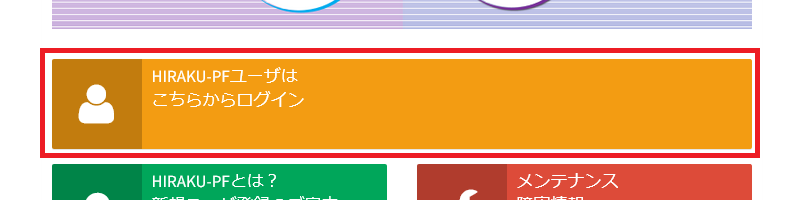
そして、オレンジ色の『HIRAKU-PFユーザはこちらからログイン』をクリックしてください。 Then, please click the orange "HIRAKU-PF LOG-IN" button.
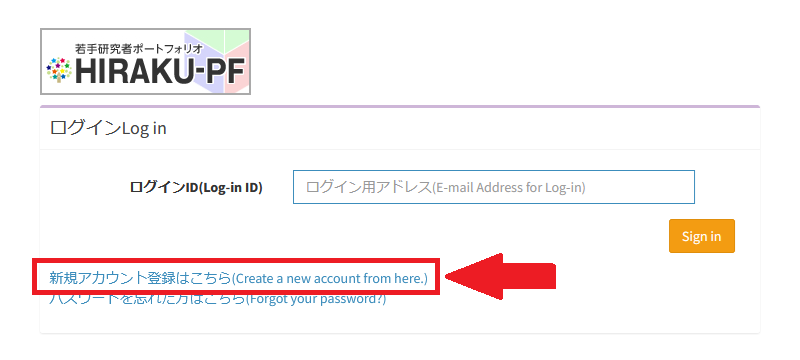
『新規アカウント登録はこちら』をクリック。 Next, Please Click "Create a new account from here".
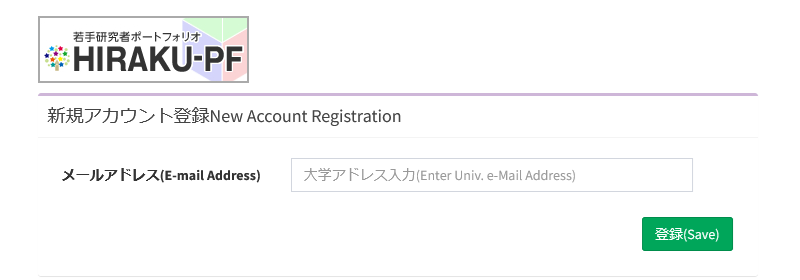
ログインIDとなる、あなたのメールアドレスを入力します。 Please enter your email address, which will serve as your login ID.
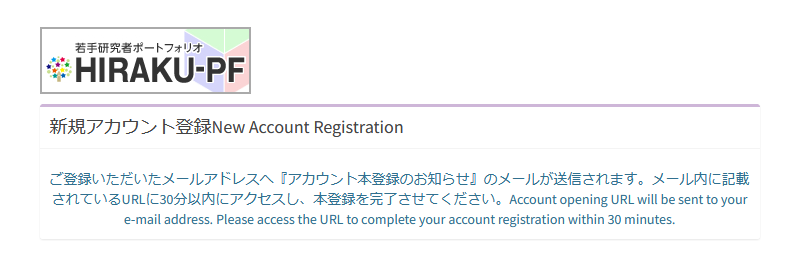
先程入力したメールアドレスに、本登録用のURLが届きます。 The registration URL will be sent to the email address you previously entered.
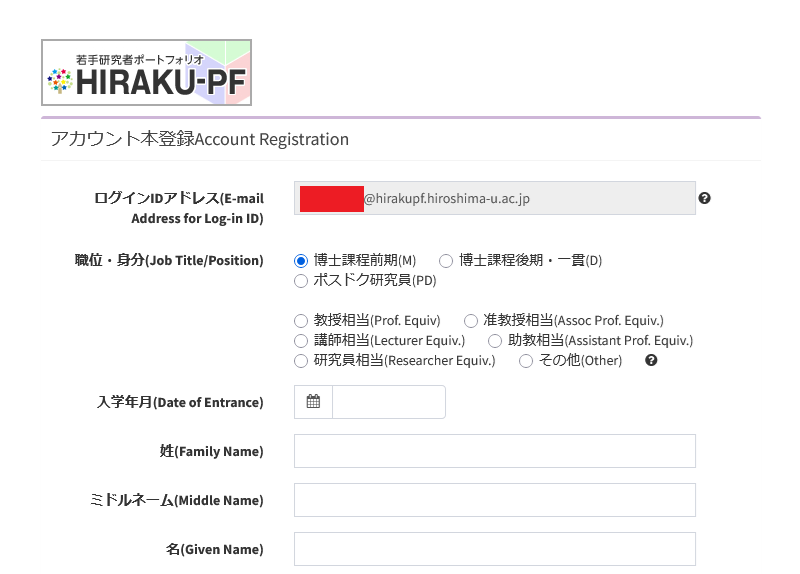
本登録画面に移動し、必要な項目を入力して登録を行ってください。 Please proceed to the registration page, fill in the required fields, and register.
お問い合わせ / Contact
HIRAKU-PF システム管理 / HIRAKU-PF System Support E-mail: info■hirakupf.hiroshima-u.ac.jp *■は半角の@に変換してください / Please replace ■ with @.
広島大学グローバルキャリアデザインセンター / Global Career Design Center, HU 電話番号 / TEL: 082-424-2058 E-mail: wakateyousei■office.hiroshima-u.ac.jp *■は半角の@に変換してください / Please replace ■ with @.

 Home
Home